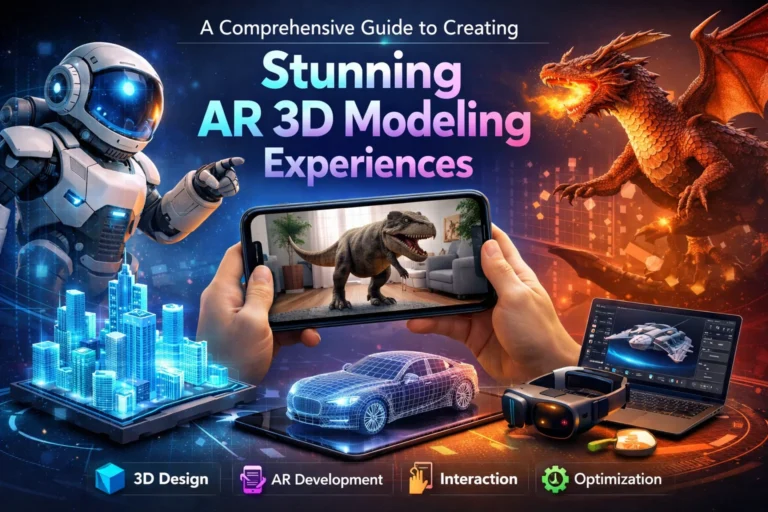
Augmented reality (AR) 3D modeling provides businesses with innovative ways to merge virtual or digital objects into the physical environment in a seamless and interactive manner. When paired with properly optimized performance levels, to achieve maximum visual engagement with customers, businesses will find that AR 3D models offer more opportunities for immersive user experiences throughout the mobile app, eCommerce, education, gaming, and marketing industries. This guide outlines several methods, software programs, and techniques used to create high-quality AR 3D models.
What Is AR 3D Modeling and Why It Matters
AR 3D modeling focuses on creating digital 3D objects designed specifically for augmented reality environments. These models are optimized for real-time rendering, accurate scale, and interaction, making AR 3D visualization essential for industries seeking engaging, immersive, and interactive digital solutions.
Core Components of Augmented Reality 3D Models
Effective augmented reality 3D models include clean topology, realistic textures, optimized polygon counts, and correct real-world scaling. These components ensure smooth performance, accurate placement, and believable interaction when digital objects are overlaid onto physical environments.
Key Industries Using AR 3D Visualization
Industries such as retail, architecture, healthcare, education, and gaming rely heavily on AR 3D visualization. From virtual product try-ons to architectural previews and training simulations, AR-ready 3D models enhance understanding, engagement, and decision-making.
Planning Your AR 3D Modeling Workflow
A structured workflow is essential for successful AR 3D modeling. Proper planning ensures models meet performance requirements, align with user expectations, and integrate seamlessly into AR platforms while maintaining visual quality and realism.
Defining Use Case and Platform Requirements
Before modeling begins, it’s important to identify the target platform such as mobile AR apps, web-based AR, or wearable devices. Each platform has unique performance constraints, file format needs, and interaction capabilities that influence the modeling process.
Reference Collection and Scale Accuracy
High-quality references and precise measurements are critical in AR 3D modeling. Accurate scale ensures digital objects appear realistic and correctly proportioned when placed in real-world environments, improving user trust and immersion.
Best Practices for Creating Stunning AR 3D Models
Creating visually appealing AR 3D models requires balancing realism with performance. Applying best practices helps deliver smooth, interactive experiences without compromising visual quality or usability.
- Keep polygon counts low while preserving essential details
- Use PBR (Physically Based Rendering) textures for realism
- Optimize UV mapping to avoid texture stretching
- Maintain consistent real-world scale and proportions
Optimizing Geometry for Real-Time AR
AR environments demand lightweight geometry. Reducing unnecessary subdivisions, avoiding complex meshes, and using normal maps for detail allow AR 3D models to render smoothly on mobile and wearable devices.
Texture and Material Optimization Techniques
Optimized textures play a crucial role in AR 3D visualization. Using compressed texture formats, efficient texture atlases, and realistic materials ensures visual quality while keeping file sizes and load times minimal.
Tools and Software for AR 3D Modeling
Choosing the right tools is essential for efficient AR 3D modeling. Professional software and engines streamline workflows, improve compatibility, and enhance final AR experiences.
- Blender and Maya for detailed 3D modeling
- Substance Painter for realistic textures
- Unity and Unreal Engine for AR integration
Exporting Models for AR Platforms
AR platforms often require specific file formats such as glTF, USDZ, or FBX. Proper export settings ensure materials, textures, and animations work correctly across different augmented reality applications.
Testing and Refining AR 3D Visualization
Testing AR 3D models in real-world conditions is critical for success. Continuous refinement ensures models perform well across devices and lighting conditions.
| Parameter | Purpose |
| Performance Testing | Ensures smooth real-time rendering |
| Scale Accuracy | Confirms real-world proportions |
| Lighting & Shadows | Enhances realism in AR scenes |
Iteration Based on User Feedback
User feedback helps identify usability issues and visual inconsistencies in AR 3D models. Iterative improvements refine interaction, enhance realism, and ensure the AR experience meets audience expectations.
Benefits of Professional AR 3D Modeling Services
Professional 3D modeling services provide expertise, optimized workflows, and high-quality results. They help businesses create scalable, visually stunning AR 3D models tailored to specific platforms and industries.
Long-Term Value of High-Quality AR Models
Well-crafted AR 3D models are reusable across marketing, training, and product visualization. Investing in quality AR 3D modeling ensures consistent branding, better engagement, and long-term cost efficiency.
Frequently Asked Questions

CEO & MD
The CEO and Managing Director at Vizent Solutions, Bigyan Kar, leads a team of talented technology professionals who excel in the development and implementation of next-generation 3D visualization solutions for the following areas: gaming, architecture, AR/VR, CAD, and interactive simulations. Through his knowledge of digital design and technology, as well as his commitment to providing the highest level of immersive, accurate, and reliable 3D experiences for its clients, Vizent is constantly innovating and pushing the boundaries of the 3D modeling and visual storytelling industries.